
Platform usage
Track billable usage, credits, and consumption across Cast AI products in your organization.
Platform usage gives you visibility into how your organization consumes Cast AI's billable products. It tracks usage metrics, credit allocations, and per-cluster consumption so you can understand what you're being charged for and how your usage trends over time.
NoteThe metrics, products, and credit terms shown on your Platform usage page reflect your organization's agreement with Cast AI. For questions about your specific contract terms, contact your account representative.
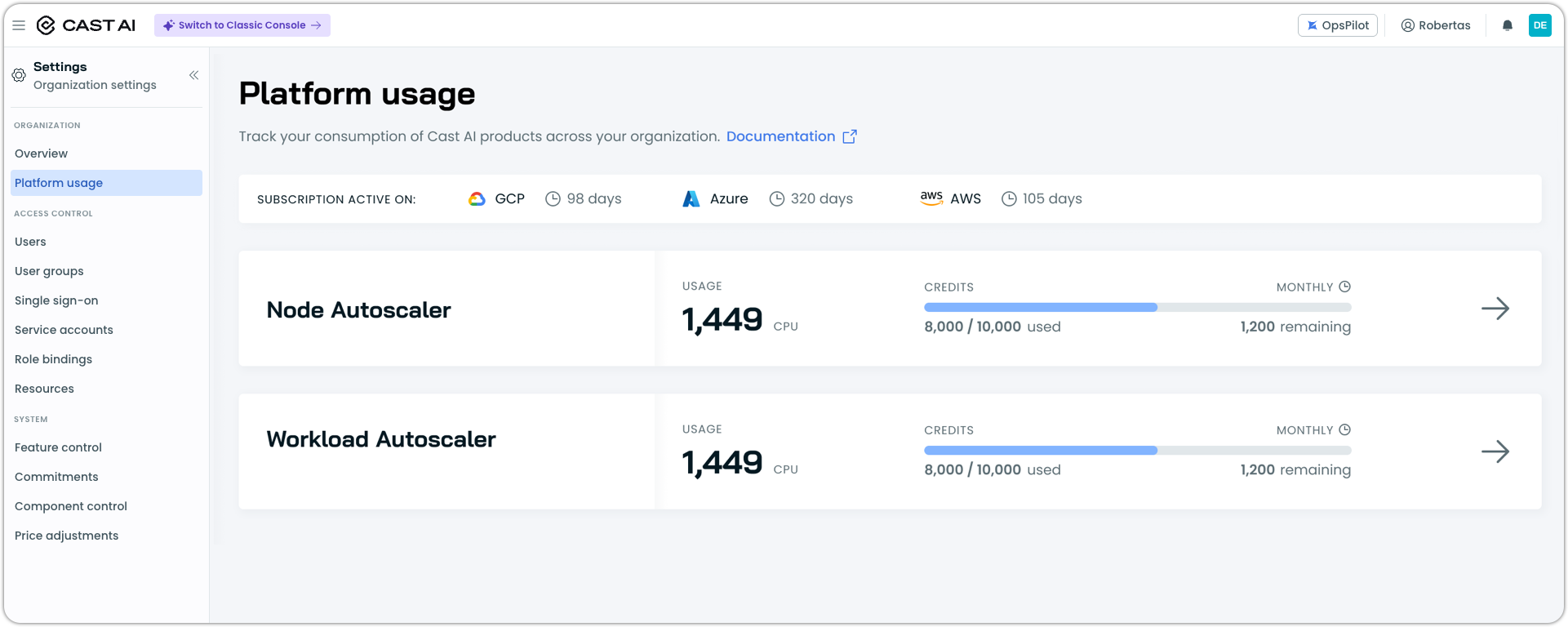
Navigate to Settings → Platform usage in the left sidebar.
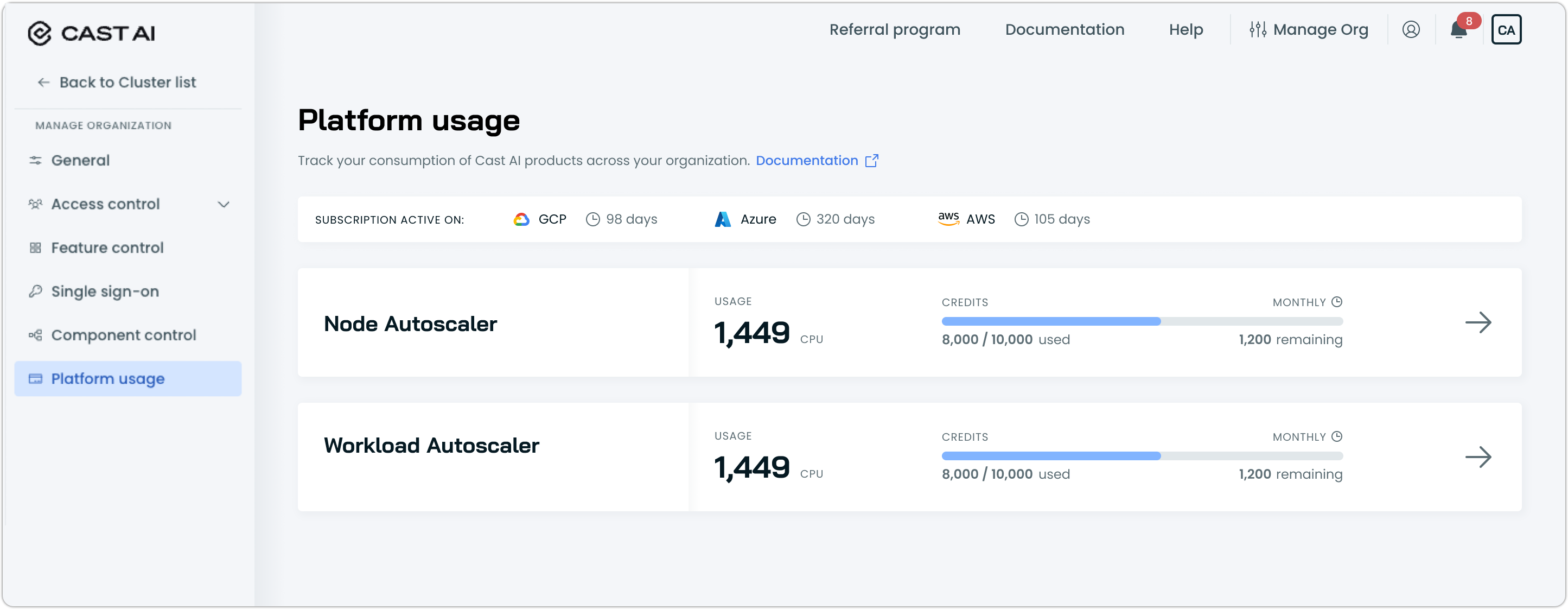
Navigate to Manage Organization → Platform usage in the left sidebar.
What Platform usage shows
The landing page lists your active Marketplace subscriptions and shows a card for each billable product — Node Autoscaler and/or Workload Autoscaler. Each card displays the product's current month usage, credit consumption, and credit reset cadence at a glance. Select a product card to open its detailed view.
The subscription banner at the top shows which cloud providers have active Marketplace subscriptions and how many days remain on each.
Product detail view
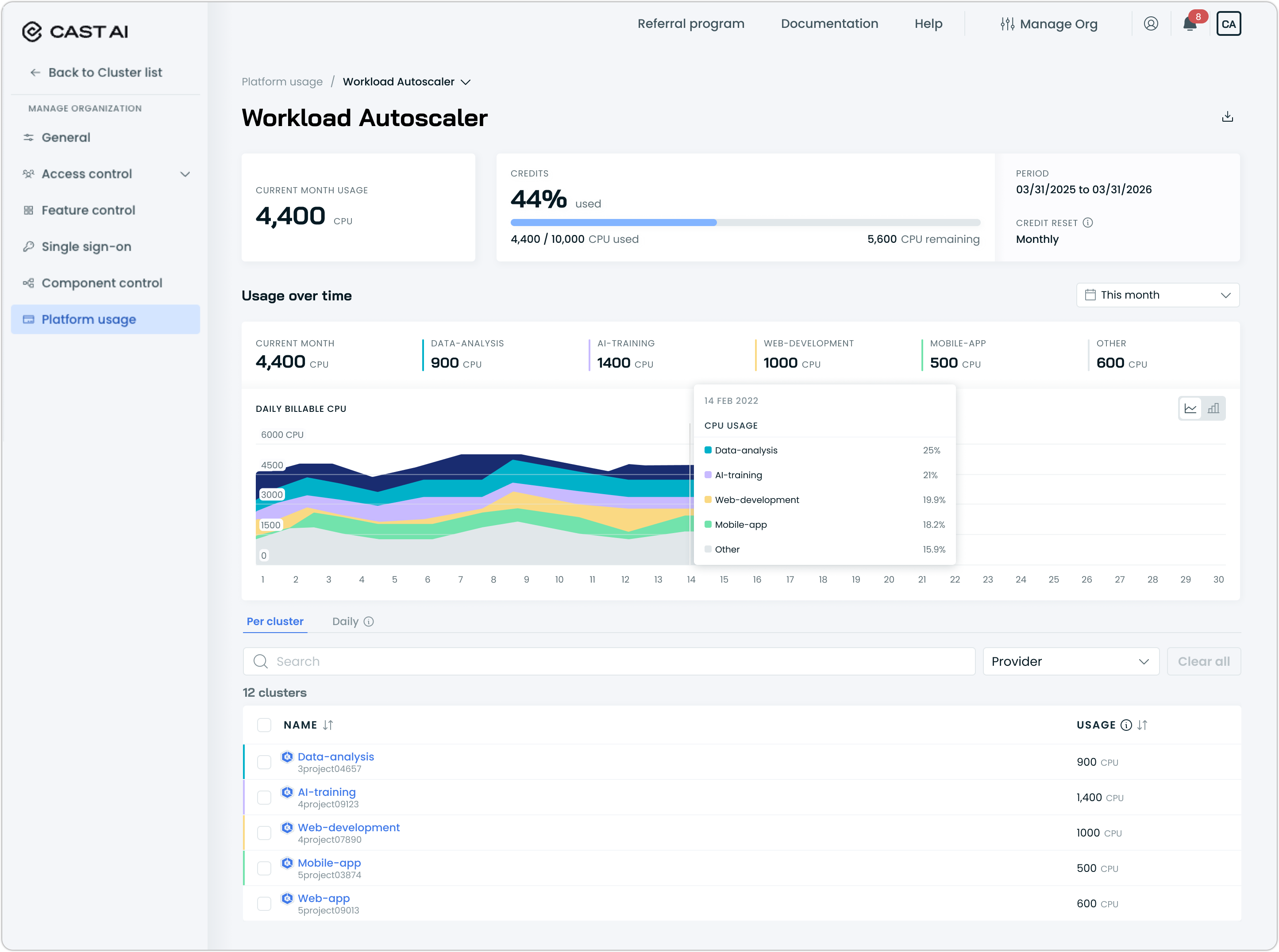
When you select a product card, the detail view opens with:
- Current month usage — total billable CPUs consumed across all clusters for the current month.
- Credits — how much of your credit allocation has been consumed, shown as a percentage and as an absolute count (for example, 8,000 / 10,000 CPU used). Credits are pre-purchased usage allocations included in your contract.
- Period — the active credit period (for example, 03/31/2025 to 03/31/2026).
- Credit reset — whether your credits renew monthly (on the 1st of each month) or are fixed for the full period.
Usage over time
Below the summary widgets, a set of category chips breaks down the current month's usage by cluster name or workload category. These chips provide a quick read on where consumption is concentrated.
You can switch between a line chart and a bar chart using the toggle in the top-right corner of the chart area.
Key concepts
Billable CPU
Cast AI measures usage in billable CPUs. One billable CPU equals one provisioned CPU running continuously for the full month. For example, a CPU running 15 days in a 30-day month counts as 0.5 billable CPU.
Usage data is collected at regular intervals and normalized against the total hours in the month to produce the billable figure shown in the console.
Credits
Credits are pre-purchased usage allocations defined in your Cast AI contract. Each credit corresponds to a specific billable metric (e.g., CPUs) and a specific product (e.g., Workload Autoscaler).
Credits have a defined period and a reset cadence:
- Monthly reset — credit allocation renews on the 1st of each month. If you have 10,000 CPU credits with a monthly reset, you get 10,000 CPUs to use each month, regardless of what you consumed the previous month.
- Custom reset — credit allocation is fixed for the entire period. Once consumed, no additional credits are available until the next period begins.
The credits widget shows how much of your allocation has been used and how much remains.
Billable products
Platform usage tracks the following Cast AI products. Only products with active usage appear on the page:
| Product | Billable metric |
|---|---|
| Node Autoscaler | CPUs per cluster |
| Workload Autoscaler | CPUs per cluster |
Additional billable metrics (for example, GPUs) may appear as your organization's product usage evolves.
Enterprise organizations
If your organization is set up as an Enterprise with child organizations, Platform usage shows a consolidated view. The Enterprise-level page aggregates usage across all child organizations, allowing you to see total consumption.
Each child organization's usage is broken out individually, so you can identify which organizations are driving consumption.
Related resources
Manage cloud provider commitments (Reserved Instances, Savings Plans, CUDs) used by the Node Autoscaler.
View compute cost and efficiency data across all clusters.
Apply custom pricing to align Cast AI's cost reporting with your actual cloud costs.
Updated 4 months ago